DayTradeToWin Review

Live Training – AutoPilot Member Class

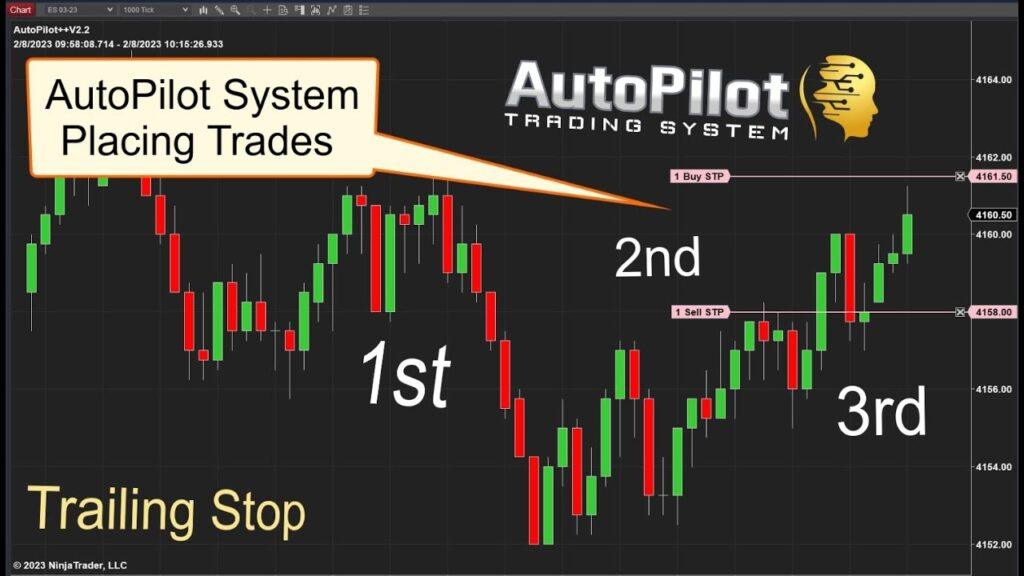
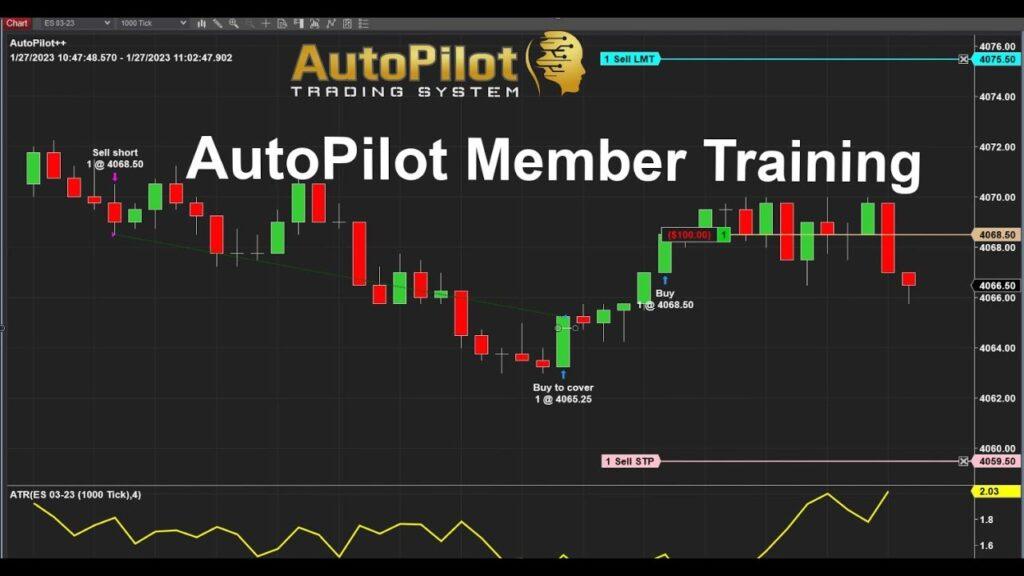
Live training is included with AutoPilot. The video shares part of the live class, including Q&A and screen share access, with the AutoPilot members. We encourage all traders to attend the live class training and practice first before trading live to get comfortable with the software. DayTradeToWin offers Live training on the AutoPilot trading strategy for monthly or lifetime licenses. Our Autopilot trading software is proprietary and only available here at DayTradeToWin.com Developed using price action, you won’t find anything else like it out there! ⚡ Free member access is now available. DayTradeToWin offers Live training on the AutoPilot trading strategy for monthly or lifetime licenses. Our Autopilot trading software is proprietary and only available here at DayTradeToWin.com Developed using price action, you won’t find anything else like it out there! ☑️AUTOPILOT INFO AND TRADING VIDEOS☑️ ⚡ 4 Hours – All Trades Algo Trading – Autopilot⚡AutoPilot Trading System V2 Trailing Stops⚡ Break-even AutoPilot Trade Management⚡ Autopilot System Live $1000 Test Make or Break – All Trades Automatically Placed by the Algo Trader⚡ All Trades 1-Hour AutoPilot TEST – Entries Targets Stops Placed Automatically⚡ Autopilot System 20-min Chart⚡ Automated Trading with Autopilot ✳️FREE DAY TRADING VIDEOS AND MORE✳️ FACEBOOK PAGE Come join the FREE DayTrading Facebook Page!

DayTradeToWin Review

Using Tick Charts to Trade the AutoPilot Trading System

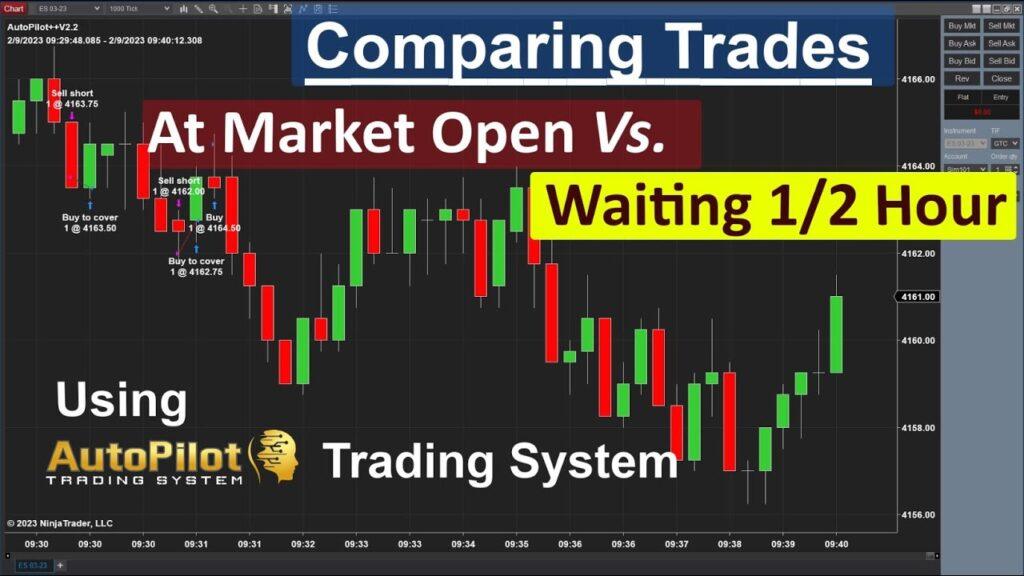
The AutoPilot Trading System is a powerful tool that can help you navigate the fast-paced world of trading. By incorporating Tick Charts into your trading strategy, you can gain a deeper understanding of market trends and make more informed decisions. What are Tick Charts? Tick Charts are a type of chart that represents a specific number of transactions, or “ticks,” rather than a fixed time interval. This means that each bar on the chart represents a certain number of trades, allowing you to see the market’s activity and volatility more accurately than with traditional time-based charts. Trading with AutoPilot and Tick Charts To demonstrate the power of combining Tick Charts with the AutoPilot Trading System, let’s walk through a trading scenario. We’ll start trading at 10:15 ET to avoid any potential news events that could impact the market. Incorporating Tick Charts into your AutoPilot Trading System strategy can provide valuable insights into market activity and help you make more informed trading decisions. By starting your trading session at 10:15 ET and using a 100 Tick Chart with the E-mini S&P futures contract, you can maximize the potential of the AutoPilot Trading System and improve your overall trading performance.

DayTradeToWin Review

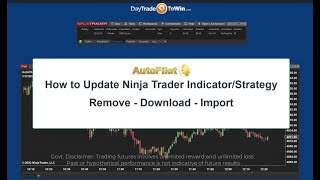
Ninja Trader: Efficiently Import, Upgrade, and Remove Indicators with NinjaScript

NinjaTrader is a robust trading platform that caters to the needs of both novice and experienced traders. With its advanced charting, trade simulation, and market analysis features, NinjaTrader has become a popular choice among trading enthusiasts. One of the key selling points of this platform is its support for custom indicators through the use of NinjaScript, a versatile C#-based programming language. Importing Indicators NinjaTrader allows traders to import custom indicators created by third-party developers or even indicators they have developed themselves. To import a custom indicator into NinjaTrader, follow these steps: Upgrading Indicators Over time, you may want to upgrade your custom indicators to newer versions, either to access new features or to fix bugs. To upgrade an existing indicator in NinjaTrader, follow these steps: Removing Indicators There may be instances where you no longer need a custom indicator, or you simply want to declutter your NinjaTrader platform. To remove a custom indicator from NinjaTrader, follow these steps: By following these step-by-step instructions, you can efficiently import, upgrade, and remove custom indicators in NinjaTrader using NinjaScript. This will enable you to enhance your trading experience and make the most out of the NinjaTrader platform. With its vast array of features and customizability, NinjaTrader is a powerful tool for traders seeking to gain an edge in the market. By mastering the process of managing custom indicators, you can tailor the platform to your specific needs and trading style, ultimately leading to more informed decisions and better trading outcomes.

Trading Strategies

$800 AutoPilot Trading: Every Trade the System Took Today ✅

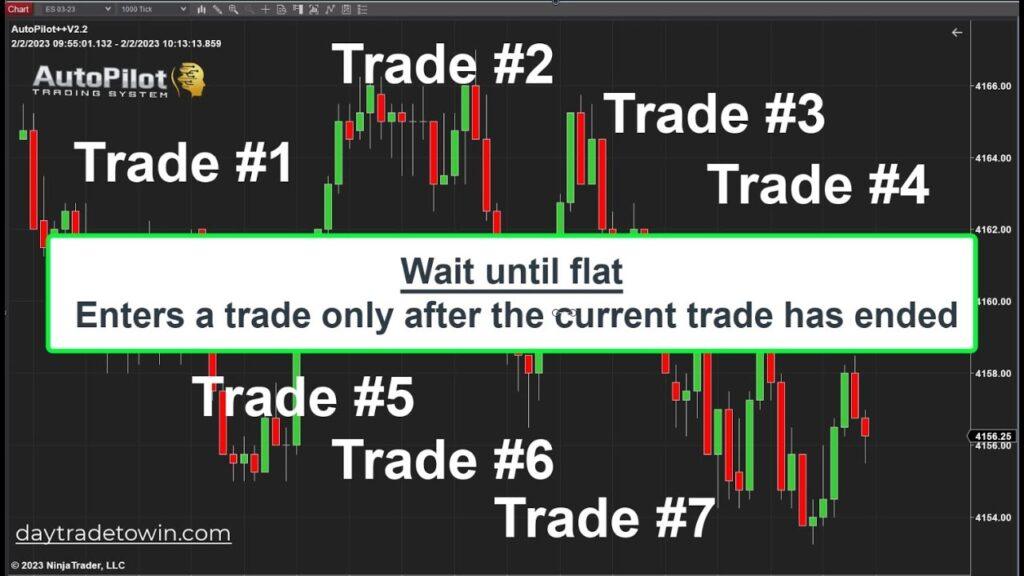
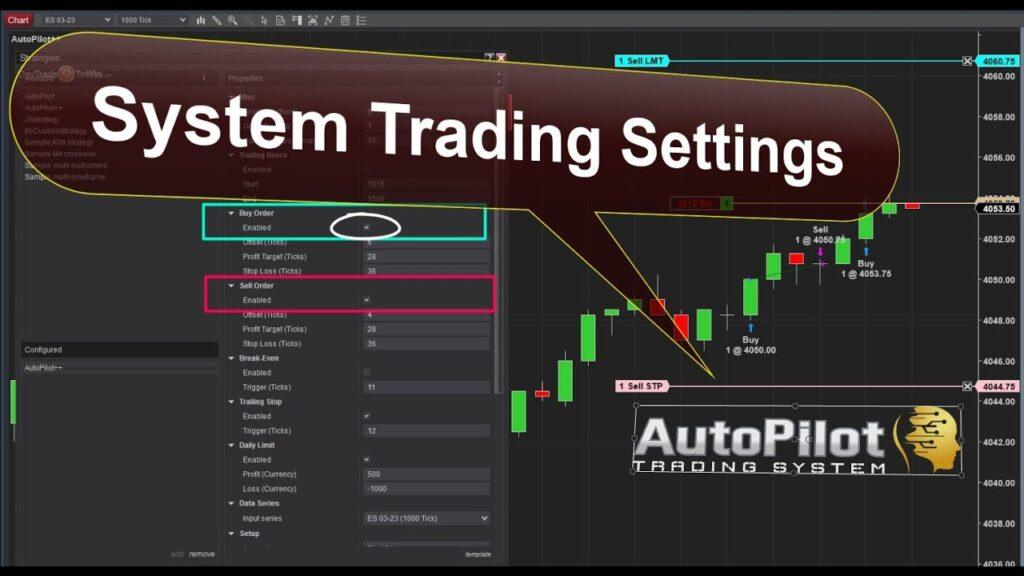
In today’s fast-paced trading environment, having a reliable and efficient trading system is crucial for success. The AutoPilot System, designed to execute trades using one E-mini S&P futures contract, has demonstrated its prowess in today’s trading session. Starting at $0, the system traded up to an impressive $1,337.50 before ending the day at $800! Let’s take a closer look at how the AutoPilot System performed throughout the day. AutoPilot System in ActionThe trading day began an hour after the market opened, with the AutoPilot System starting its operations at 10:15 ET. As the system automatically placed and managed trades without any human intervention, its primary goal was to let the trading play out while traders kept an eye on the system as a quality control measure. Profits Climbing: $800 and BeyondWithin an hour, the AutoPilot System had generated a profit of $800 before the commission, and the profits continued to climb. The system’s peak performance reached a remarkable $1,337.50, showcasing its ability to capitalize on profitable opportunities in the market. Ending the Day with a Solid $800 ProfitDespite a loss later in the day, the AutoPilot System ended the trading session with a respectable $800 profit. The system’s trading settings are configured to stop trading at 3:00 pm (1500), ensuring that the strategy adheres to a predefined trading schedule. The Power of Price Action: A Unique Trading SystemDeveloped using price action, the AutoPilot System is unlike any other trading software available on the market. Its unique approach to day trading allows traders to maximize their profits while minimizing risk. The system’s performance today, starting at $0 and ending the day with an impressive $800 profit, highlights the potential of this innovative trading software. The AutoPilot System’s performance in today’s trading session demonstrates the power and potential of this unique trading software. By automatically placing and managing trades using one E-mini S&P futures contract, the system was able to generate impressive profits while minimizing risk. Traders who harness the power of the AutoPilot System and its price action-based approach can work towards achieving consistent returns in the fast-paced world of day trading. ☑️AutoPilot Info and Trading Videos☑️ ⚡ 4 Hours – All Trades Algo Trading – Autopilot ⚡ AutoPilot Trading System V2 Trailing Stops ⚡Break-even AutoPilot Trade Management ⚡Autopilot System Live $1000 Test Make or Break – All Trades Automatically Placed by the Algo Trader ⚡ All Trades 1-Hour AutoPilot TEST – Entries Targets Stops Placed Automatically ⚡ Autopilot System 20-min Chart ⚡ Automated Trading with Autopilot DayTradeToWin offers the AutoPilot trading strategy on a monthly or lifetime license. Our Autopilot trading software is proprietary and only available here at DayTradeToWin.com.

DayTradeToWin Review

Experience the Future of Trading: 4 Hours – All Trades Autopilot Algo Trading

Welcome to this live recording of all trades taken by the AutoPilot Trading System on an E-mini SP 1000 tick chart, spanning over a 4-hour period. This exclusive video demonstrates the power, efficiency, and accuracy of the All Trades Autopilot Algo Trading system, showcasing its potential to revolutionize your trading experience. The recording captures 4 hours of live trading on an E-mini SP 1000 tick chart, providing a comprehensive look at the system’s performance and capabilities. Video Highlights E-mini SP 1000 Tick Chart: The AutoPilot Trading System navigates the E-mini SP 1000 tick chart with precision and efficiency, demonstrating its advanced algorithms and market analysis capabilities. 4 Hours of Live Trading: The video captures all trades executed by the Autopilot Algo Trading system from 10:15 am through 2:00 pm ET, offering an in-depth look at its decision-making process and trading strategies. Real-Time Insights: Throughout the recording, you’ll gain valuable insights into the system’s performance, including its ability to adapt to changing market conditions and capitalize on profitable opportunities. Performance Metrics: At the end of the 4-hour session, we’ll review the overall performance of the Autopilot Algo Trading system, including total profits, win rates, and other key metrics. Revolutionize Your Trading Experience: Learn how the All Trades Autopilot Algo Trading system can help you stay ahead of the curve, improve your trading strategies, and maximize your profits in the competitive world of trading. Why Watch the Video? This 4-hour video offers a unique opportunity to witness the power and effectiveness of the All Trades Autopilot Algo Trading system in real time. By observing the system in action, you can gain valuable insights into its strategies and tactics and better understand how it can enhance your trading experience. Whether you’re a seasoned trader or just starting, this recording will provide you with valuable information and insights into the future of trading. Don’t miss the chance to see the All Trades Autopilot Algo Trading system in action and learn how it can transform your trading game. In conclusion, experience the future of trading with this exclusive 4-hour video recording of the All Trades Autopilot Algo Trading system in action on an E-mini SP 1000 tick chart. Witness the system’s performance from 10:15 am through 2:00 pm ET, and gain valuable insights into its advanced strategies and techniques. This recording is a must-watch for anyone looking to stay ahead in the competitive world of trading.

DayTradeToWin Review

Live Webinar Replay Recording With Ninja Trader

THE FOLLOWING TOPICS WERE COVERED DURING THE EVENT: JUMP RIGHT INTO THE SECTION IN THE VIDEO – TIMESTAMPS 00:00 – start00:26 – Secret Price Action06:56 – ATR10:00 – Forecasting ATR16:34 – Manage risk ATR21:26 – Time-based stop24:03 – Filter slow/volatile conditions30:10 – ABC charts32:59 – ATR Filtering41:17 – ABC setup48:08 – B Setup50:06 – C Setup54:30 – ABC Software1:04:53 – AutoPilot Part of the webinar also explained the AutoPilot Trading System, as traders wanted to learn how the settings and daily signals came to be. If you haven’t already accessed the free member account to gain free access to the ABC software, News indicator, and more trading tutorials. Register for your free daytradetowin member account After signing up, remember to check your email for follow-up account access. Scroll down the page to access the free downloads sections located in the Get Started – Free Downloads Link section

Scroll to Top