how to day trade

DayTradeToWin Review

S&P 500 Goes Long to New Heights + Winning Signals

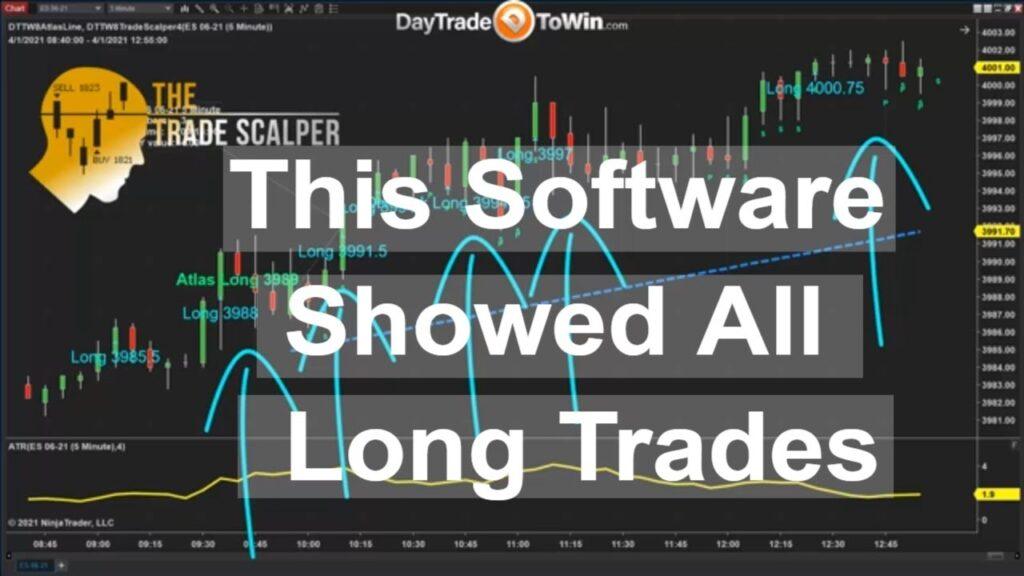
If you were one of the traders who kept betting the market would go short, I hope you quit trading early or changed your positions. The Atlas Line and Trade Scalper software from DayTradeToWin correctly predicted where price would go. This was one of those big up trending days. Indeed, we saw no shortage of signals. The Atlas Line provided plenty, including an early main Long signal early on followed by abundant Strength and Pullback signals. The Atlas Line makes it look easy. The Atlas Line can be used for scalping, but what if you want a dedicated scalping method? What if you want to go for many quick trades all the time each with a small profit potential? That’s when you’d use the Trade Scalper. That’s covered in the video at the 3:30 mark. There’s not much configuration needed. You could adjust the filter if you want to filter out signals when the market is too slow (i.e. when the ATR is below a specific value). You can apply the Trade Scalper and Atlas Line to the same 1-minute or 5-minute chart. What chart type you use will be based on preference and current market conditions. The 1-minue chart is better under fast conditions. You could purchase both methods with Lifetime Licenses individually or you could go with the 8-Week Mentorship Program and get all courses and software with Lifetime licenses. When considering what you get with the complete package, Mentorship is the best value. Some methods are exclusive to the day trading school, such as the Blueprint and Roadmap. It’s best to have a complete trading plan rather than hitting roadblocks, guessing, and getting frustrated. With Mentorship, you get training videos for each class. Training is twice a week. If you’re serious about trading, it’s the most comprehensive and complete package offered by DayTradeToWin, an educational company in the trading space that’s been active for over a decade.

DayTradeToWin Review

Finding the Best E-mini Conditions: $100+ Potential Per Trade

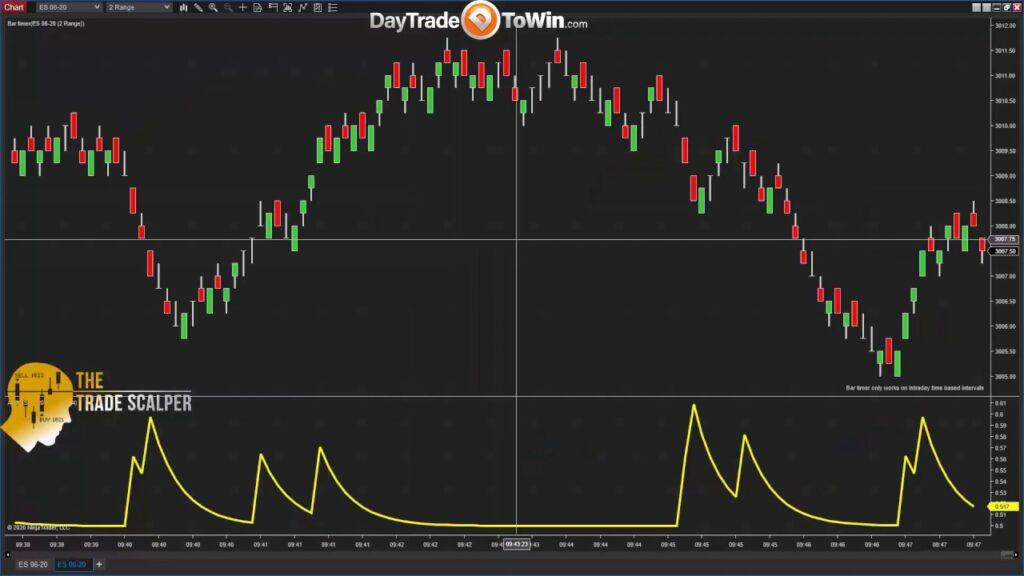
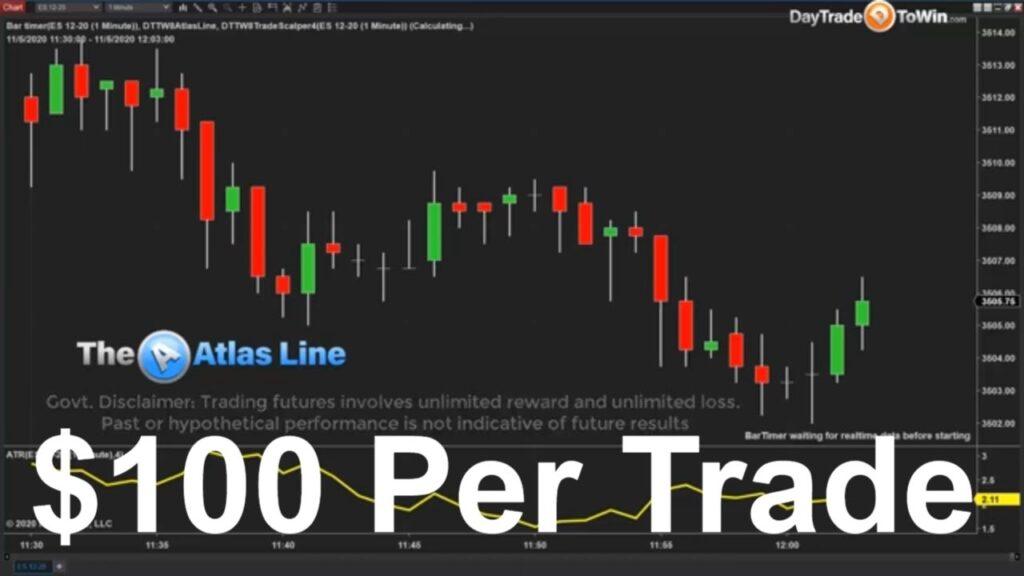
We want to trade only when conditions are ideal. If the market is too fast or too slow, why risk it? Lately, the regular 5-Minute E-mini S&P 500 has been too fast. There’s been a lot happening in the news regarding the 2020 Election, COVID-19, etc. The financial markets have reacted to such events, again and again. This is why we use a 1-Minute chart, because it “condenses” the volatility and opportunities into sizable “chunks” we can work with. Seen here, our methods work great on a 1-Minute chart, such as the Atlas Line, Trade Scalper, and ATO 2. Note the ATO 2 is not shown in this particular video, but the DayTradeToWin.com website posted such a video just last week with all three methods. As you can see from the thumbnail, the market conditions allowed for “$100 per trade.” Actually, it can be more than $100, depending on the related signal and how many contracts you’re using. Contracts act as a multiplier for profit and loss and incur extra fees per contract. However, the win/loss caused by additional contracts “outpaces” the broker fees (unless your broker is charging high prices, of course). We like it when multiple signals say “go long” or “go short.” In our minds, two systems confirming the same thing means a greater chance for a win. The Atlas Line gives the big picture of what price may well do in the near future. It also can tell you, at a glance, whether long or short trades are recommended for your other systems. If you know whether your betting on betting on either red (i.e. long) or black (i.e. short) in roulette, for example, that’s halfway to placing a trade. The next step is knowing when. That’s what the signals are for. Here, we have many signals and a real-time trade placed in the second half of the video. When scalping, it’s especially important to place a trade right after the signal appears (i.e. at candle close when the price action entry pattern is complete). The full explanation of what constitutes these entries is disclosed in the live training, training video, and written course.

DayTradeToWin Review

No Downloads Required – Learn This Trading System Today

This free ABC Trading Strategy is available to you now, to learn and use. It’s effective enough to be taught in the ATO 2 and 8-Week Mentorship Program offered by DayTradeToWin.com. If you want to find potential winning opportunities in the afternoon US/Eastern, you should get to watching this video… To summarize this day trading strategy, take an E-mini S&P 500 chart and divide the day into three parts: A, B, and C. Part A begins at 9:30 a.m. US/Eastern (market open, as they say) and lasts for 2.5 hours, ending at noon. Therefore, with your charting software, draw one vertical line at 9:30 a.m. and the other at 12:00. That forms Part A. Part B begins at that last line drawn (12:00 p.m.) and is also 2.5 hours in duration, ending at 14:30 (2:30 p.m.). That forms Part B. Part C begins after 14:30. Watch the video to get a sense of how you would draw these divisions with a day progressing in real-time. How do you identify the opportunities? In Part B, when there are two consecutive closing signals above or below the high or low of Part A, you have an entry opportunity. The same idea applies for Part C, only the high and low range of Part B is utilized. You can use the ATR (Average True Range) to help you gauge your profit target and stop loss for each trade. You’ll have to watch the video for that or reach out to DayTradeToWin support for further assistance.

DayTradeToWin Review

Breaking Day Trading Rules Using Price Action

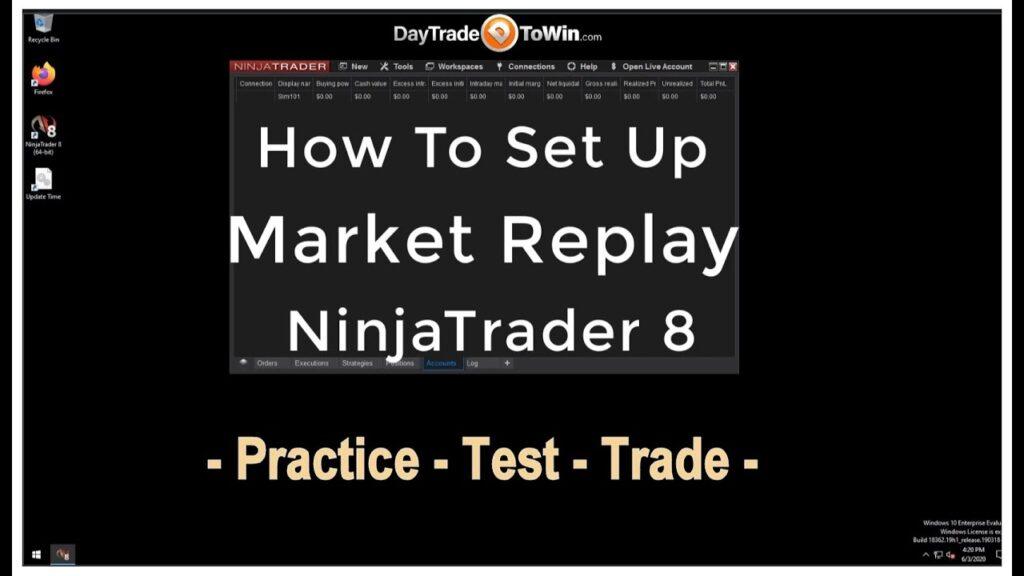
Classic books on day trading often advise conservative approaches. If your profit target and stop loss have a ratio of 1:1, then it’s quite possible regular market fluctuations will trigger a premature exit. If your stop loss is considerably less than your profit target, an early exit, even if a small loss, may be increased. Multiple stop losses for small amounts do add up. In addition, you will have to pay brokerage fees per contract, per trade. It may be better break those “day trading rules” and go with a strategy that’s more flexible for today’s markets, such as the Atlas Line, Trade Scalper, or ATO 2. You should test the rules that you plan to trade by. One way to accomplish this is to use Market Replay. Market Replay lets you play back market data as though it’s occurring real-time. It is ideal for people who are occupied at ideal trading times. NinjaTrader 8’s Playback Connection lets you pause, rewind, and fast-forward playback. You can download data for specific days. Playback begins at midnight. Drag the slider to the time you want to start practicing. Note that you will have to wait for all of the price history to plot on the chart, which can take several minutes in some cases based on the speed of your computer. See if you’re following trading rules and keep track of your performance with the Playback101 account and the Trade Performance area of NinjaTrader 8. You’ll want to see greater overall profits than losses. Test for multiple weeks and months. Markets and price action can by cyclical; some days and weeks will perform better than others. NinjaTrader provides $100,000 of “play money” by default. You can reset the Playback101 or Sim101 account whenever desired. Also, the $100,000 can be reduced to an amount such as $4,000, which is far more realistic for futures trading.

DayTradeToWin Review

Day Trading Rules for Dummies

When it comes to trading, figuring out what works and what doesn’t can be a costly process. You could buy every day trading course and software that exists, spending hundreds of thousands of dollars, and be left with very few that are worth anything. From our experience, what works best is to focus on price itself. Yes, the main reason why charts exist is to show how price moved over time. By looking at this movement, patterns emerge. What group of candles commonly exists before a trend up or down? What unique candle types often occur before volatility increases? These are questions traders begin to ask themselves as they practice and learn the art of day trading. Stick to specific rules and avoid the “day trading for dummies” approach. You’re smarter than that! What are the best day trading books? Well, books are often wide in scope. They teach standardized methods. If you could go to your local book store and jot down all of the trading techniques, there would be no reason to buy the book. Book authors probably wouldn’t want to share the techniques that actually work in some $40 or less book. If anything, you’d probably have to pay a few hundred dollars or more to make it worth the trader’s time to teach you anything of value and day trading rules that are specific to what’s going on in today’s markets. This is why day trading courses, such as those involving live training, may work out better for you. Another problem with generic trading books for dummies is that they often do not consider the learning curve of the trading platform itself. For example, NinjaTrader is not going to be discussed in any useful detail in a dummies trading book. You’re going to need materials that go into depth. Each trading platform is different. On DayTradeToWin’s website, you can find a free Get Started Trading Guide that is written for new traders, or “dummies” as some may consider themselves to be.

DayTradeToWin Review

NinjaTrader 8 Video Instruction Guide for Beginners

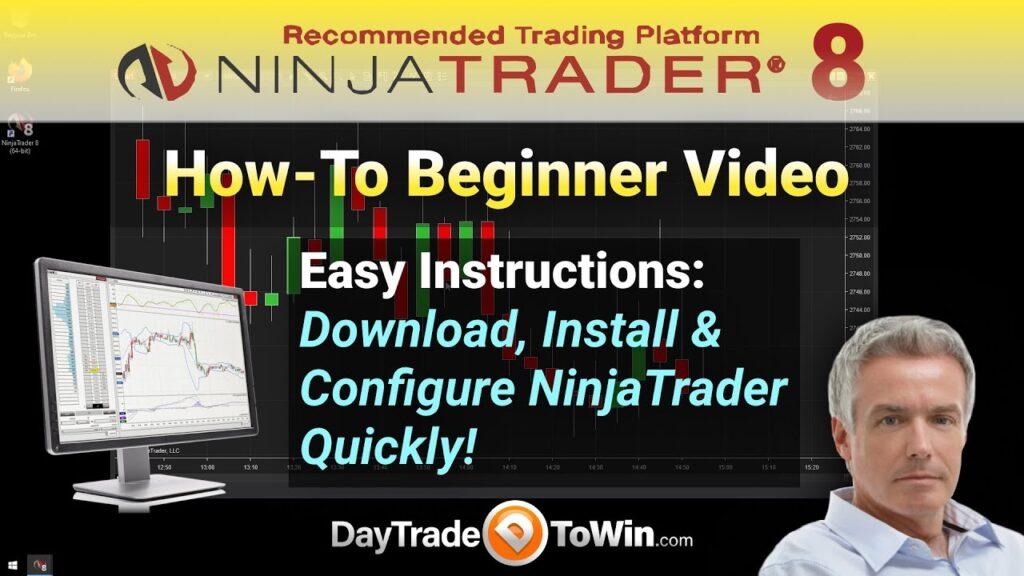
Learning how to day trade isn’t easy. The first thing you have to learn is how to operate the trading software that you’ll use to place trades. For that, we use software called NinjaTrader. We use the eighth (8) version, which is the latest and greatest. You can download it on the NinjaTrader website and sign up for a special written guide here. The video below will walk you through all the basic steps, from installation to placing your first (simulated) trade. When you first download NinjaTrader, you’ll get a traditional setup executable program. Proceed with the default installation steps unless you want to make a few customizations. Next, you’ll notice there are two icons on your Windows Desktop: NinjaTrader 32-bit and NinjaTrader 64-bit. You’ll probably want to use the 64-bit version unless you have a really old computer. The 64-bit version takes advantage of additional computer resources available on more modern computers. Feel free to delete the 32-bit NinjaTrader icon if the 64-bit version works for you. Once NinjaTrader loads up for the first time, you’ll see a screen that asks for connection information. Essentially, it’s asking you to plug in a data feed. A data feed is how you get live market (price) data into NinjaTrader. NinjaTrader does not come with live data by default, so you must use another source, such as a free live data feed or a data feed from a broker account that you set up (which probably won’t be the case for a while). Later in the video, you’ll see how to set up a free live data feed. This free data feed will allow you to practice futures trading. This is about as close as you can get to practicing with real money. NinjaTrader gives you a ton of “play” or “simulated” money to work with. You use the internal, practice Sim101 account to place your simulated trades. After a while, you can see how you’re doing in terms of profit and loss by generating a report. That’s covered toward the end of the video. One of the main focuses is opening a chart and navigating charts. You need to be able to see and understand the visual representation of price data over time. That’s what a chart is. The candles represent price activity, or price action, over a period of time. There are many ways to express or understand price data and movement – yes, many types of charts exist. In the beginning, you’ll probably want to use a 5-Minute chart type. It’s the long-standing chart type that has been used at DayTradeToWin. Much more could be said. Really, you’re better off watching the video. It’s a great update to a NinjaTrader 8 training video that DayTradeToWin produced a couple of years ago. Good trading!

Scroll to Top